
Imagine receiving an urgent email from your bank. It states that a suspicious login attempt was detected on your account and you must verify your identity immediately by clicking a link. Your heart races. You click without a second thought, enter your credentials on what looks like the official bank website, and provide the one-time password (OTP) sent to your phone. In moments, your account is emptied. You haven’t been hacked by a sophisticated technical exploit; you’ve been phished. A phishing scam is a form of cyber fraud where attackers masquerade as a trustworthy entity to deceive individuals into voluntarily surrendering sensitive information. This can include usernames, passwords, credit card numbers, and crucially, OTPs. It is not a complex malware attack; it is a psychological con game played on a massive digital scale. The weapon of choice isn’t a zero-day vulnerability but rather a cleverly crafted email, a text message, or a phone call designed to exploit human emotions like fear, curiosity, urgency, and trust.
According to the FBI’s Internet Crime Complaint Center (IC3), phishing consistently ranks as one of the most reported cybercrimes, with hundreds of thousands of complaints filed annually, leading to billions of dollars in losses. The Anti-Phishing Working Group (APWG) observed over 1.2 million unique phishing attacks in the first half of 2024 alone, a significant year-over-year increase. This sheer volume underscores a critical truth: phishing is the primary gateway for data breaches, identity theft, and financial ruin in the digital age. Understanding how to avoid phishing is no longer a niche tech skill; it is a fundamental component of modern literacy.
This guide will serve as your authoritative resource. We will deconstruct the anatomy of a phishing attack, provide tangible email phishing examples, and equip you with the skills to spot a fake login link from a mile away. We will delve into the specific dangers of phishing online bank accounts and the mechanics of OTP theft. By the end, you will not only be able to protect your own data but also contribute to a more secure digital ecosystem for everyone.
Understanding the Many Faces of Phishing Scams
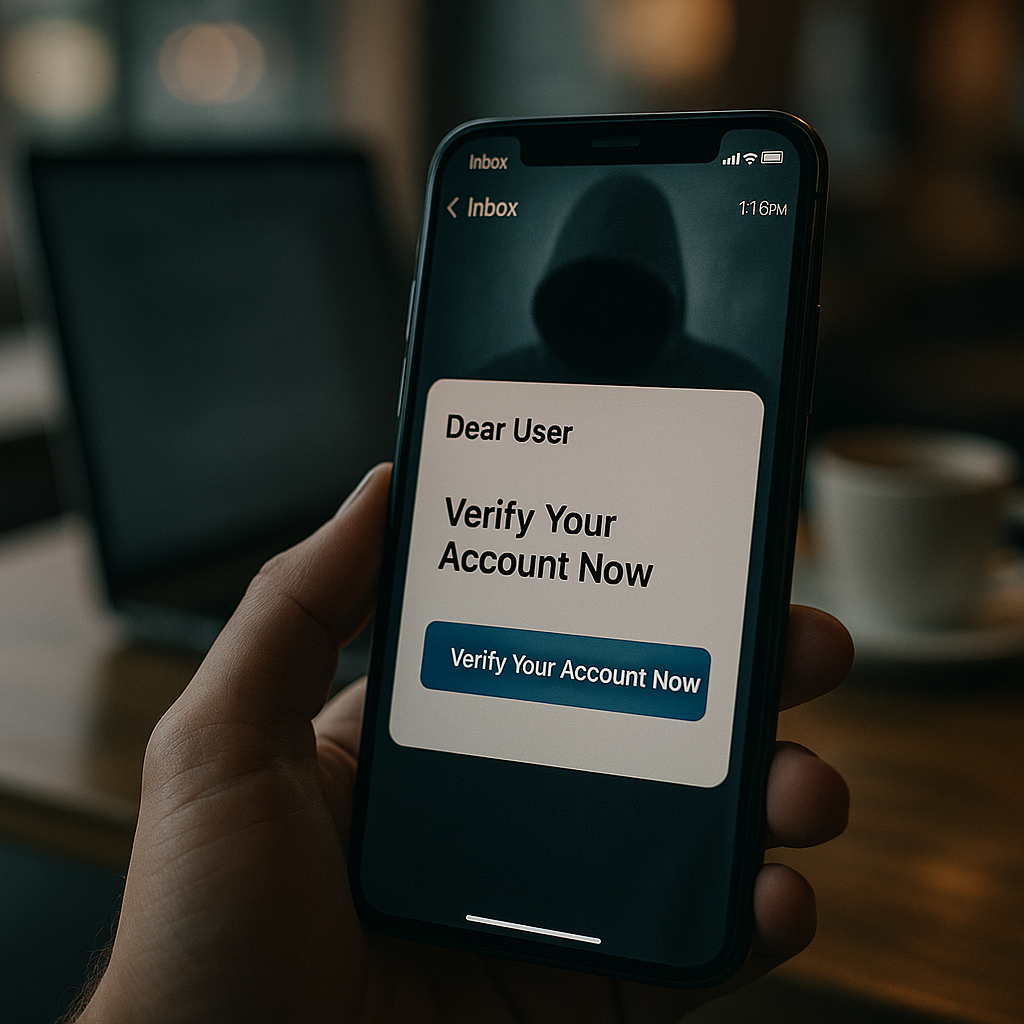
Phishing has evolved far beyond the generic “Nigerian Prince” email scam. Attackers have refined their techniques to target specific victims through various channels. Understanding these variants is the first step in building a robust defense. ReadMore : MEXQuick News
1. Email Phishing: The Mass-Market Deception
This is the most common form of phishing. Scammers send out millions of fraudulent emails, casting a wide net to catch a small percentage of unsuspecting users. These emails often impersonate major brands like Microsoft, Amazon, Netflix, or financial institutions. The goal is to create a sense of urgency—an expired password, a suspicious charge, a problem with your delivery—that prompts you to click a malicious link or download an infected attachment.
2. SMS Phishing (Smishing): The Text Trap
Smishing leverages text messages to deliver phishing lures. You might receive a text claiming to be from a courier service (like FedEx or DHL) about a missed package delivery, complete with a tracking link. Another common smishing tactic involves fake security alerts from your bank, urging you to call a fraudulent customer service number or click a link to “secure your account.” The limited space in an SMS makes the message feel more direct and urgent.
3. Voice Phishing (Vishing): The Personal Touch
Vishing adds a human voice to the scam, making it particularly convincing. A scammer calls you, often using caller ID spoofing to appear as a legitimate number from your bank, the IRS, or a tech support company like “Microsoft.” They use high-pressure tactics, claiming your computer is infected or your Social Security Number has been suspended. The end goal is to get you to reveal information, grant remote access to your computer, or make an immediate payment.
4. Spear Phishing & Whaling: The Targeted Hunt
Unlike broad email phishing, spear phishing is highly targeted. Attackers research their victims—using information from LinkedIn, company websites, or previous data breaches—to craft personalized and believable emails. They might impersonate your CEO, a colleague from the HR department, or a vendor you regularly work with. The content is tailored to your role and responsibilities, making it incredibly difficult to detect. “Whaling” is a subset of spear phishing that specifically targets high-level executives like CEOs and CFOs.
5. Clone Phishing: The Perfect Replica
In a clone phishing attack, the scammer takes a legitimate, previously delivered email (one you may have actually received), creates an identical copy (“clones” it), but replaces the legitimate links or attachments with malicious ones. They then spoof the sender’s address to make it look like it’s coming from the original source and send it again, often with a note like “Re-sending this” or “Here is the updated document.” Because you recognize the original email, your guard is down.
The Anatomy of a Phishing Attack: A Step-by-Step Breakdown
To effectively defend against a threat, you must understand its mechanics. A standard phishing attack unfolds in a series of calculated steps.
-
Reconnaissance: The attacker identifies their target and gathers information. For mass email phishing, this might mean purchasing a list of email addresses from the dark web. For spear phishing, it involves deep-diving into social media profiles and company directories.
-
Setup: The scammer creates the phishing kit. This includes registering a domain name that resembles a legitimate one (e.g.,
amaz0n-security.cominstead ofamazon.com), building a fake login link page that mirrors the real site, and crafting the deceptive message. -
The Lure (Delivery): The phishing email, SMS, or call is sent. The message is designed with a compelling “hook”—an urgent problem, a too-good-to-be-true offer, or a seemingly important request from authority.
-
The Deception (The Click): The victim, triggered by the hook, clicks the malicious link. This is the critical moment where the scam succeeds or fails. The link often uses hypertext to display a legitimate-looking URL while the underlying address (visible when you hover over it) points to the fraudulent site.
-
The Harvest: The victim lands on the fake website and enters their credentials, which are instantly captured and sent to the attacker’s server. In the case of phishing online bank attacks, the scam may involve a multi-page form that also harvests personal identification information.
-
The Payoff (OTP Theft & Account Takeover): For accounts protected with multi-factor authentication (MFA), the attacker now needs the one-time password. They will often have a real-time mechanism on the fake site that prompts you to enter the OTP you just received. The moment you do, they use it to bypass MFA and gain full access to your account, completing the OTP theft.
-
The Aftermath (Monetization & Data Breach): The attacker now monetizes the access. This can mean draining bank accounts, making fraudulent purchases, selling the credentials on the dark web, or using the compromised account to launch further phishing attacks within your organization, potentially leading to a massive corporate data breach.
Real-Life Email Phishing Examples: A Red Flag Walkthrough
Let’s move from theory to practice. Below are detailed breakdowns of common email phishing examples. We will dissect them to highlight the tell-tale signs of a scam.
Example 1: The “Urgent Security Alert” from Your Tech Provider
-
Subject: Urgent: Unusual Sign-In Activity Detected on Your Microsoft Account
-
Sender:
security-alert@micr0soft-support.net(Note the zero instead of the ‘o’ and the non-Microsoft domain) -
Body:
Dear Microsoft User,
We detected a sign-in attempt from a new device in [Unknown Location]. If this was you, you can disregard this notice. If this wasn’t you, your account may be at risk.
[VERIFY YOUR IDENTITY NOW] <– (This is a button hyperlinked to
http://microsoft-security-verification.secure-login[.]club)For your security, we have temporarily limited some account features. You must verify your identity within 24 hours to avoid permanent suspension.
Sincerely,
The Microsoft Account Team
Red Flags and Analysis:
-
Generic Greeting: “Dear Microsoft User” is impersonal. Legitimate companies often use your first and last name.
-
Spoofed Sender Address: The domain
micr0soft-support.netis not owned by Microsoft. Always check the domain after the “@” symbol. The real domain would be@microsoft.com. -
Sense of Urgency and Fear: Phrases like “Urgent,” “account may be at risk,” and “avoid permanent suspension” are designed to panic you into acting without thinking.
-
Suspicious Link: The displayed text says “VERIFY YOUR IDENTITY NOW,” but the underlying URL is a dead giveaway. It does not point to
microsoft.combut to a completely unrelated, suspicious domain (secure-login[.]club). This is a classic fake login link. -
Poor Grammar and Formatting: While this example is fairly clean, many phishing emails contain subtle grammatical errors or formatting inconsistencies that official corporate communications would not.
Example 2: The “Invoice Payment Failed” from a Streaming Service
-
Subject: Action Required: Your Netflix Payment Could Not Be Processed
-
Sender:
billing@netflx.com(Missing the second ‘i’ in Netflix) -
Body:
Hi there,
We’re having some trouble with your current billing information. We’ll try again, but in the meantime, you may be unable to change your plan or stream.
To update your payment method, please click here: netflix-helpcenter.com/update-billing
If your account is not updated within 48 hours, we will be forced to suspend your service.
Thank you,
The Netflix Billing Department
Red Flags and Analysis:
-
Spoofed Domain:
netflx.comis a typosquatting domain—a common trick where scammers register domains with common misspellings of popular brands. -
Urgent Call to Action: The threat of service suspension is a powerful motivator for a service people use daily.
-
Fake Link: The link
netflix-helpcenter.comis not the official Netflix domain (netflix.com). The “helpcenter” is a subdomain of a separate, fraudulent website. -
Request for Sensitive Information: Netflix already has your payment details. A legitimate message would typically direct you to log in to your account directly on the official
netflix.comwebsite to review your payment settings, not ask you to click a link and enter them anew.
The Art of Recognizing Fake Login Links
The malicious link is the linchpin of most phishing attacks. Developing a habit of scrutinizing every link before you click is your most powerful defense. Here’s a detailed guide on how to avoid phishing by spotting fraudulent URLs.
1. Hover, Don’t Click
Always hover your mouse cursor over a hyperlink (on a desktop/laptop) or press and hold the link (on a mobile device). This action will reveal the true destination URL in a small pop-up or at the bottom of your browser window. Compare this revealed URL to the one you expect.
-
Claimed Link:
www.paypal.com/security-update -
Actual Link on Hover:
www.paypal-security.secure-login[.]tk-> FAKE
2. Dissect the URL Structure
A URL has several parts. Learn to read them like a detective.
https:// login.apple.id.verify-security.com /account/update
-
Domain (The Core Identity): This is the most important part. The true domain is the part just before the first single slash
/or the top-level domain (TLD) like.com,.org,.net. In this example, the domain isverify-security.com, NOTapple.com. Thelogin.apple.idpart is a subdomain, cleverly used to trick the eye.
3. Look for HTTPS, But Don’t Trust It Blindly
A padlock icon and “https://” indicate an encrypted connection, not a legitimate website. Scammers easily obtain SSL certificates for their fake sites. While you should never enter information on a site without HTTPS, its presence alone is not a guarantee of safety.
4. Check for Typos and Odd Characters
Scammers rely on hurried glances. Look for common misspellings (amazon vs. amazon), character substitutions (r and n becoming m), or hyphens in places they shouldn’t be (apple-security.com).
5. Verify the Website’s Security Certificate
For added assurance, click on the padlock icon in the browser’s address bar and view the certificate details. It should be issued to the legitimate organization (e.g., “Google LLC”) and not to a generic entity or the name of the fake domain itself.
Table: Official vs. Fake Domain Examples
| Legitimate Service | Official Domain | Common Phishing Domain Impersonations |
|---|---|---|
| Apple | apple.com |
apple-id-verify.com, secure-apple.xyz, apple.login.security.com |
| PayPal | paypal.com |
paypal-secure.net, service-paypal.com, paypal.verify-login.org |
| Chase Bank | chase.com |
chase-online-banking.com, secure-chase.net, chase-login.help |
| Microsoft | microsoft.com |
account-microsoft.com, microsoft-security.org, login.live.com.secure.site |
The High-Stakes World of Online Banking Phishing and OTP Theft
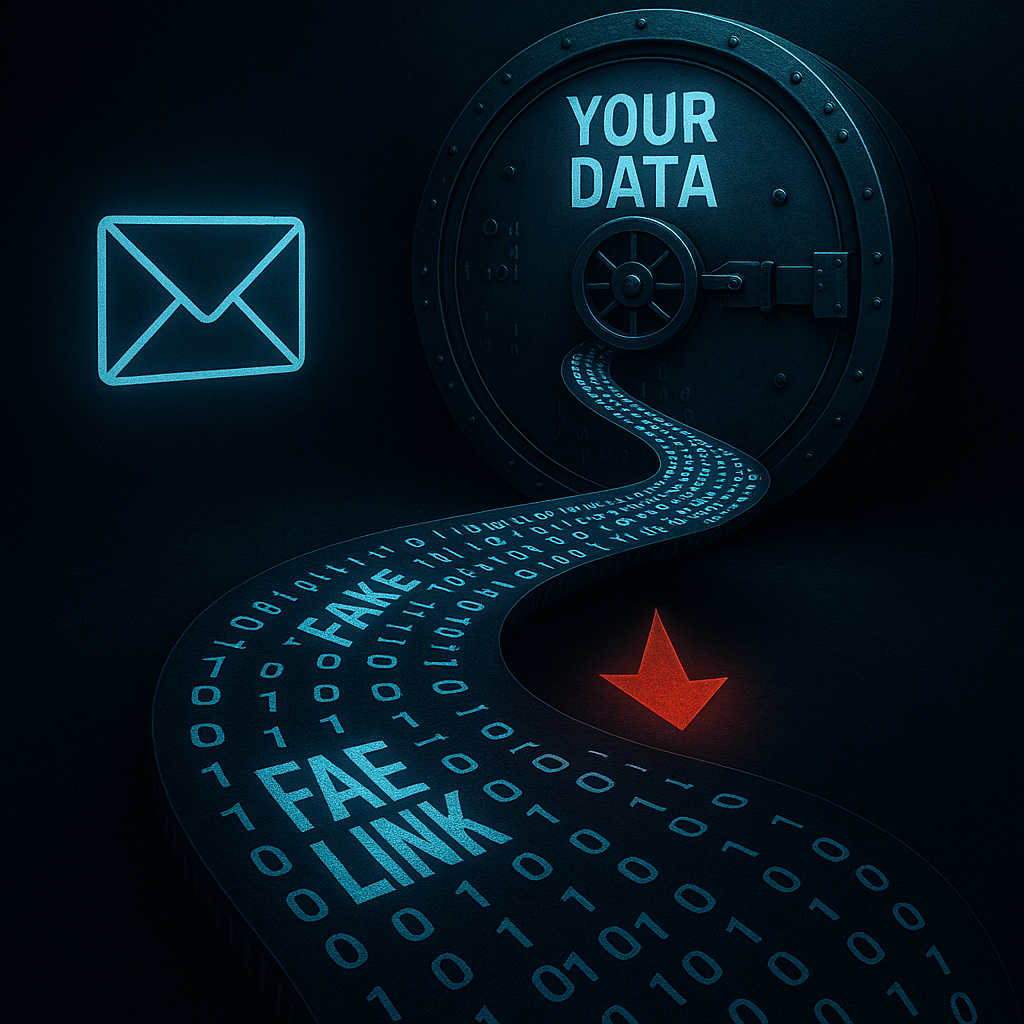
Financial gain is the primary motive behind most phishing campaigns, making banks and online payment systems like PayPal, Venmo, and digital wallets prime targets. Phishing online bank attacks are often more sophisticated and carry the most immediate financial consequences.
How Banking Phishing and OTP Theft Works in Tandem
-
The Initial Hook: You receive a convincing SMS or email claiming fraudulent activity on your bank account. The message creates panic, urging immediate action.
-
The Fake Portal: The link leads to a near-perfect replica of your bank’s login page. This fake site is hosted on a server controlled by the scammer.
-
Credential Harvesting: You enter your username and password. The fake site captures them and, in the background, the attacker’s automated script immediately uses them to log into your real bank account.
-
The OTP Prompt: Because your bank uses MFA, it sends a one-time password to your registered phone or email. The fake website now displays a new screen: “Verification Step 2: Please enter the One-Time Password sent to your device.”
-
Real-Time OTP Theft: You enter the OTP on the fake site. The scammer’s system captures it and instantly injects it into the real bank’s login session they have open in the background. This completes the authentication process, granting them full access. The entire process can take less than 60 seconds.
Best Practices to Prevent Banking Fraud
-
Never Click Links in Unsolicited Messages: If you receive an alert, do not click the link. Instead, open your bank’s official app on your phone or type the bank’s website address directly into your browser.
-
Use Official Banking Apps: Mobile apps are generally more secure than browsers. Enable biometric logins (fingerprint/face ID) and transaction signing within the app itself.
-
Understand Your Bank’s OTP Policy: A legitimate bank will never ask you to read an OTP back to them over the phone or enter it on any website other than their official login portal during the standard login process. An OTP is for your use only on the official site/app.
-
Set Up Transaction Alerts: Configure your bank to send immediate notifications for any transaction, no matter how small. This can alert you to fraudulent activity the moment it happens.
The Ripple Effect: Phishing, Data Breaches, and Large-Scale Cyber Fraud
A single successful phishing email is not just a personal tragedy; it can be the catalyst for a catastrophic data breach. When a phishing attack targets an employee within an organization, the stakes are multiplied exponentially.
The Corporate Domino Effect
-
An employee in the accounting department falls for a spear phishing email disguised as an internal memo from the CFO, requesting urgent access to a shared financial document.
-
The employee clicks the link and enters their corporate network credentials on a fake Office 365 login page.
-
The attacker now has the keys to the kingdom. They can access the employee’s email, internal file shares, and customer databases.
-
From there, they can plant ransomware, exfiltrate sensitive intellectual property, or steal the personal data of millions of customers, resulting in a massive, headline-making data breach.
Notable incidents, such as the 2020 Twitter Bitcoin scam (where attackers used a vishing scam to compromise employee credentials and gain access to high-profile accounts) and the 2021 Colonial Pipeline ransomware attack (believed to have started with a compromised password from a legacy VPN account), underscore how phishing is often the initial attack vector for major cyber fraud events. The cost extends beyond financial loss to include reputational damage, regulatory fines, and a loss of public trust.
Your Proactive Defense: A Multi-Layered Approach to Prevention
Protecting yourself from phishing requires a combination of technology, knowledge, and vigilant habits. Here is a comprehensive set of preventive measures.
1. Fortify Your Accounts with Strong Authentication
-
Use a Password Manager: Password managers generate and store complex, unique passwords for every site. This is critical because if one site is breached, your reused password won’t give attackers access to your other accounts, especially your email.
-
Enable Multi-Factor Authentication (MFA) Everywhere: MFA is your single most effective security control. Even if a phisher steals your password, they cannot log in without your second factor. Use an authenticator app (like Google Authenticator or Microsoft Authenticator) or a hardware security key (like YubiKey) instead of SMS-based OTPs where possible, as SIM-swapping attacks can intercept SMS codes.
2. Leverage Technology as Your Shield
-
Use Anti-Phishing Software: Modern security suites and browsers have built-in anti-phishing features that check websites against known-bad lists. Keep these features enabled.
-
Enable Email Filtering: Use your email provider’s spam and phishing filters. For businesses, advanced email security gateways can filter out a significant portion of malicious emails before they reach the inbox.
-
Keep Everything Updated: Regularly update your operating system, browser, and all applications. Updates often include security patches for vulnerabilities that phishers could exploit.
3. Cultivate Safe Browsing and Communication Habits
-
Think Before You Click: Adopt a mindset of healthy skepticism. If an offer seems too good to be true, or a message creates a sense of panic, pause and verify.
-
Verify Sender Identities: For unexpected requests, especially for money or sensitive data, verify the request through a secondary, trusted channel. If your “boss” emails you asking for an urgent gift card purchase, call them on a known number to confirm.
-
Educate Your Circle: Share this knowledge with family, friends, and colleagues. How to avoid phishing is a communal effort. The more people who can recognize a scam, the harder it is for scammers to succeed.
What to Do If You’ve Been Phished: Immediate Response Plan
If you suspect you’ve fallen for a phishing scam, time is of the essence. Act immediately.
-
Disconnect: If you entered information on a site and are still connected, close the browser tab/window immediately. If you downloaded and opened an attachment, disconnect your computer from the internet (Wi-Fi and Ethernet) to prevent potential malware from communicating with its command server.
-
Change Passwords: Immediately change the password of the compromised account. If you use the same password elsewhere, change it on those sites as well. This is where a password manager proves invaluable.
-
Contact the Institution: Call your bank, credit card company, or the relevant service provider directly using a phone number from their official website (not from the phishing email). Inform them of the situation. They can monitor for fraudulent activity or freeze the account.
-
Scan for Malware: Run a full system scan with your antivirus/anti-malware software to check for any infections from a downloaded attachment.
-
Report the Phishing Attempt:
-
Forward email phishing attempts to the Anti-Phishing Working Group at
reportphishing@apwg.org. -
Report to the impersonated company. Most large companies have a dedicated email address like
phishing@[companyname].comorabuse@[companyname].comfor this purpose. -
File a report with the FBI’s IC3 (Internet Crime Complaint Center) and, if in the US, the FTC (Federal Trade Commission) at
reportfraud.ftc.gov.
-
Advanced Phishing Techniques and Future Trends (2025 and Beyond)
As defenses improve, so do the attacks. Here’s what to be aware of in the near future.
-
AI-Powered Phishing: Scammers are now using generative AI to create flawlessly written emails, free of the grammatical errors that once made them easy to spot. AI can also generate highly convincing deepfake audio for vishing attacks.
-
QR Code Phishing (Quishing): To bypass link analysis, attackers are embedding malicious QR codes in emails. You scan the code with your phone, which immediately takes you to the phishing site, making it harder to inspect the URL on a desktop.
-
MFA Fatigue Attacks: Attackers who have a victim’s password will spam them with MFA push notifications. Hoping to stop the annoyance, the victim may accidentally approve one, granting access.
-
Browser-in-the-Browser (BitB) Attacks: Sophisticated fake login pop-ups that are rendered entirely within the browser window, making them indistinguishable from legitimate system login prompts.
Case Study: The 2023 MGM Resorts Cyberattack
In September 2023, MGM Resorts International suffered a devastating cyberattack that crippled its operations, costing the company an estimated $100 million. The initial entry point? A sophisticated vishing call.
The Incident: Attackers, allegedly part of the Scattered Spider group, targeted an MGM help desk employee. They likely found the employee’s details on LinkedIn. Impersonating a legitimate employee, the scammer convinced the help desk agent to reset the victim’s MFA credentials. This gave the attackers a foothold inside MGM’s network, which they used to deploy ransomware.
The Lessons:
-
Social Engineering is Powerful: The attack bypassed all technical security by manipulating a human.
-
Help Desks are a Prime Target: Verification procedures for sensitive actions like password resets must be robust and require multiple points of confirmation.
-
The Cost is Immense: The financial and operational damage from a single, successful social engineering attack can be catastrophic for any organization.
Future-Proofing Your Defenses: A Lifelong Habit
In the endless cat-and-mouse game of cybersecurity, the only constant is change. Your defense must be proactive and continuous.
-
Commit to Continuous Learning: Subscribe to cybersecurity newsletters from reputable sources like Krebs on Security, The Hacker News, or the SANS Institute. Stay informed about new threats.
-
Conduct Regular Security Checkups: Periodically review the security settings of your key online accounts. Check for active sessions and logged-in devices, and revoke access for anything unfamiliar.
-
Promote a Culture of Security: In your workplace, advocate for regular, mandatory security awareness training that includes simulated phishing tests. Make security everyone’s responsibility, not just the IT department’s.
Conclusion: Empowerment Through Vigilance
The threat of phishing scams is real and pervasive, but it is not undefeatable. As we have detailed, these attacks rely on deception, not just technology. By understanding the psychology of the scam, meticulously inspecting every fake login link, and adopting a multi-layered defense strategy, you can drastically reduce your risk.
Remember the core principles:
-
Be Skeptical: Trust, but verify. Always question unsolicited requests.
-
Be Vigilant: Hover over links, check sender addresses, and look for the signs of a phishing online bank attempt.
-
Be Proactive: Use a password manager, enable strong MFA, and keep your software updated.
-
Be Prepared: Know what to do if you make a mistake. Speed is critical in limiting the damage.
Your data is your digital life. Protecting it from cyber fraud and OTP theft is an ongoing process. Let this guide be your foundation. Stay curious, stay cautious, and stay safe online.